Track Application Now
According to CMVR 1989, Rule 14, passing the driving skill test is mandatory for a permanent license. Click the button below to check your real-time driving licence application status on the official Sarathi portal.
Physical Card Delayed? Get Your Digital DL Instantly
If your physical Smart Card is taking time to print or arrive via speed post, you don't need to wait. Once your application is marked approved by the RTO, fetch a verified, legally valid digital copy immediately.
Download Digital DL on DigiLocker ➔Understanding Application Status Abbreviations
When tracking your Driving Licence status, you will encounter specific terms used by the RTO. Here is what they mean:
1. Scrutiny Completed
Your uploaded documents (address proof, age proof) have been verified by the RTO clerks against the original records.
2. Biometrics Captured
Your photograph and digital signature have been successfully recorded at the RTO premises.
3. Test Result: Pass/Fail
The Motor Vehicle Inspector (MVI) has updated your driving skill test results into the Sarathi database.
4. Approval (DL Number Generated)
The licensing authority has approved your application and a permanent 15-digit DL number is generated.
5. Printing in Progress
Your digital data has been sent to the RTO smart card printing facility.
6. Dispatched via Speed Post
Your physical DL Smart Card has been handed over to India Post. A tracking number is provided.
Three Ways to Verify Your DL
1. By Application Number
Use the 16-digit application number you received after submitting your new driving licence application or DL renewal request on the Sarathi portal.
2. By Learner's Licence Number
If you recently passed your Learner Licence test, you can use your LL number to track the approval status of your permanent driving test slot.
By Existing DL Number
If you already have a DL, you can enter its number on the portal to check its validity, endorsement status, or if it has been suspended. Before applying for a new license, make sure you meet all age and eligibility criteria.
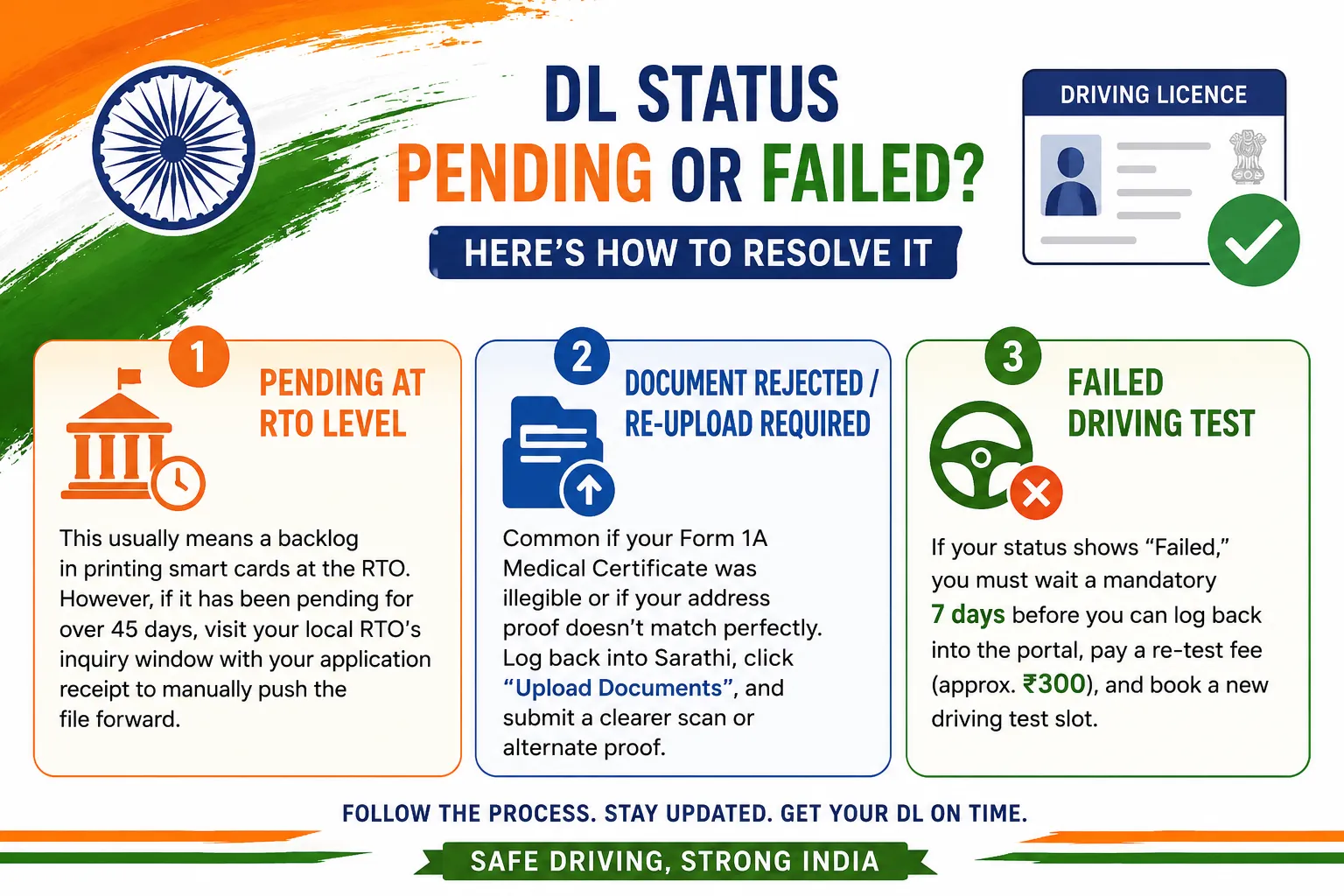
Troubleshooting: What to do if Status is Pending or Failed?
If your Driving Licence application is stuck for more than 30 days, or if you receive a rejection notice, here is the official resolution process:
1. Pending at RTO Level
This usually means a backlog in printing smart cards at the RTO. However, if it has been pending for over 45 days, visit your local RTO's inquiry window with your application receipt to manually push the file forward.
2. Document Rejected / Re-upload Required
Common if your Form 1A Medical Certificate was illegible or if your address proof doesn't match perfectly. Log back into Sarathi, click "Upload Documents", and submit a clearer scan or alternate proof.
3. Failed Driving Test
If your status shows "Failed," you must wait a mandatory 7 days before you can log back into the portal, pay a re-test fee (approx. ₹300), and book a new driving test slot.
Sarathi Portal Error Codes Meaning
| Error Code / Message | Meaning & Solution |
|---|---|
| "Invalid Application Number" | Ensure you are typing exactly 16 digits without any spaces. Select the correct State from the dropdown before entering. |
| "No Record Found" | The DOB format might be incorrect (Use DD-MM-YYYY), or your application has been purged due to inactivity (over 6 months). |
| "Service Temporarily Unavailable" | Parivahan servers are under maintenance. Try again during non-peak hours (before 9 AM or after 8 PM). |
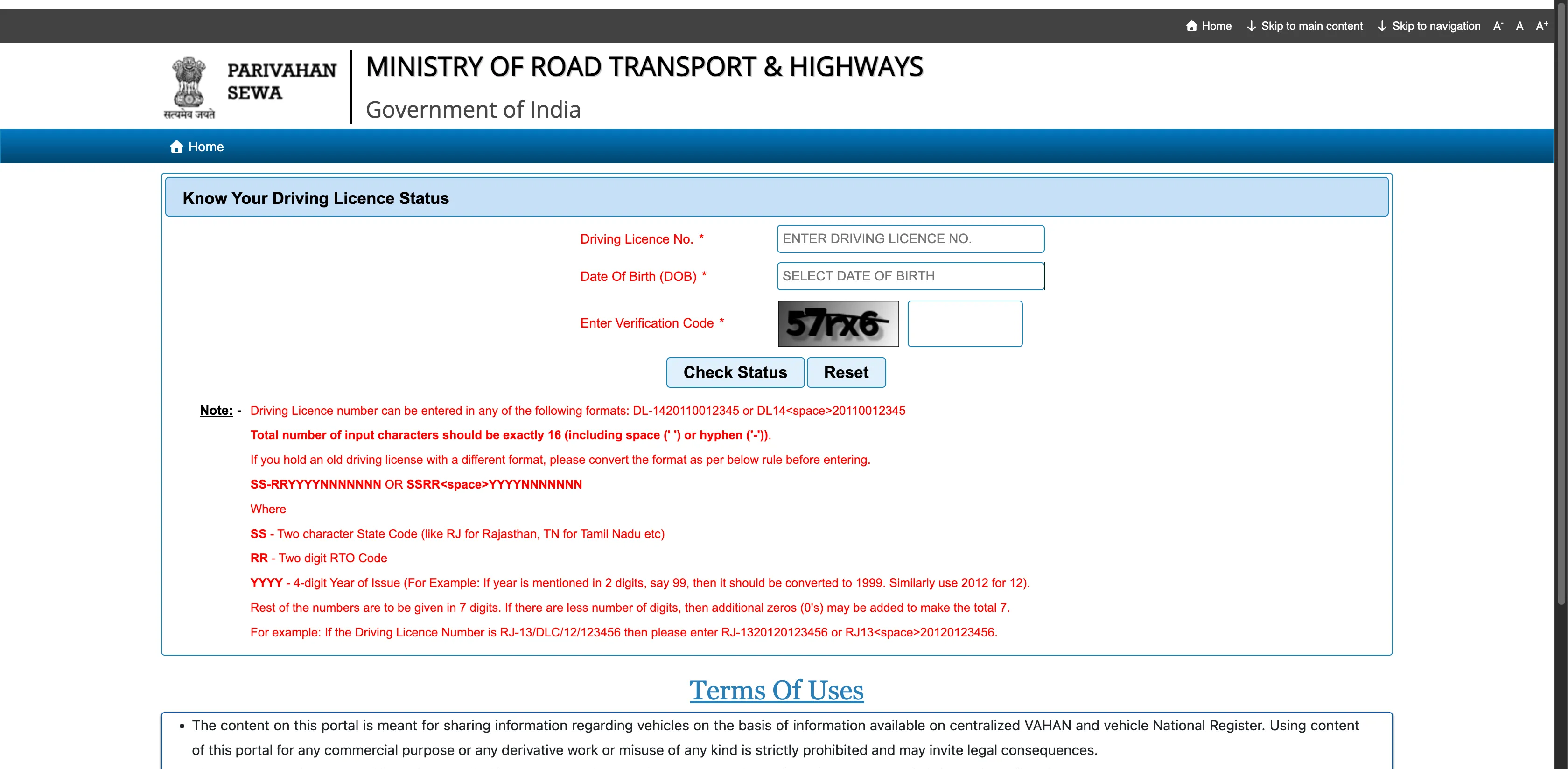
Visual Walkthrough: Checking DL Status
Here is exactly how the status check portal looks:
Frequently Asked Questions
How can I check my Driving Licence status online? ▼
You can check your DL status by visiting the Sarathi Parivahan portal, selecting your state, and clicking on the "Application Status" button.
What details are needed to check DL status? ▼
You need your Application Number and Date of Birth to track your Driving Licence progress online.
How long does it take for DL to arrive after passing the test? ▼
Typically, it takes 15-20 days for the physical DL card to be dispatched via Speed Post after your application is approved by the RTO.
Can I drive if my DL status is "Approved" but I haven't received the card? ▼
Yes, you can download your officially verified virtual DL instantly via our DigiLocker guide or the mParivahan app once the status shows "Approved". It is fully legally valid for driving under CMVR Rule 139.
Is your test coming up?
Don't wait until the last minute. Prepare for your RTO exam with our 2026 Learner's License Mock Test. Master all signs and rules to ensure a "PASS" on your first attempt.
Open LL Practice Test →Latest Expert Articles
How to Apply for Driving Licence Online Step-by-Step (Sarathi 2026)
Applying for a Driving Licence in 2026 is a 100% contactless online process through the Parivahan Sarathi portal. Learn the exact steps to get your permanent DL today.
Medical Certificate Form 1A Upload Failed: Size & Format Guide
Struggling to upload your Form 1A on the Sarathi portal? Learn the exact size and format requirements to fix the "Upload Failed" error instantly.