Check Vehicle RC Details Online
As per CMVR 1989, Rule 47, all vehicles operating in public spaces must hold an active registration. Enter your plate details below to query active registration profiles, validities, and insurance states. These records are managed securely within the centralized Vahan 4.0 core system. Clear all compounding dues by launching our e-challan status checker prior to RTO re-inspection.
Registration Lifecycles: RC ↔ Ownership Transfer
Under Chapter IV of the Motor Vehicles Act 1988, a vehicle's Registration Certificate (RC) acts as its legal title deeds. If you sell your vehicle, this registration status must be updated through a formal Vehicle Ownership Transfer (Form 29 & 30). This legal link transfers all liabilities, road taxes, and traffic challans cleanly to the new buyer in the Vahan database. If your physical book is stolen or lost, follow our steps to apply for a duplicate RC online.
Eligibility & Timeline
- ✓ Apply within 60 days before expiry date.
- ✓ Private vehicle RC is valid for 15 years.
- ✓ Subsequent renewals are valid for 5 years.
- ✓ Clear all pending state road taxes first.
- ✓ Ensure your vehicle insurance is active.
Mandatory Forms
To register or renew, you must submit a duly completed Form 25 to your jurisdictional RTO authority.
Download Form 25 (PDF)RTO Documents Checklist
Tap document cards to tick them off and check your RTO submission readiness.
The RTO Renewal Process Roadmap
Submit Form 25 at the RTO where the vehicle was originally registered or currently reside. Gather all proofs including active insurance coverages and clean PUC readings.
Deposit the appropriate re-registration fee according to CMVR 1989 Rule 81. Private cars incur ₹600 + green taxes (environmental taxes), while motorcycles incur ₹300.
Present the vehicle physically to an authorized RTO inspector. They verify chassis numbers (using a pencil stencil print), emission ratings, tire treads, and safety lighting setups to confirm roadworthiness.
Once details are approved, your re-registered Smart Card is printed and sent via speed post to the registered address. Keep checking the online dispatch status.
For a full list of vehicle registration services including RC download, renewal, and transfer, visit our Parivahan Bharat guide portal.
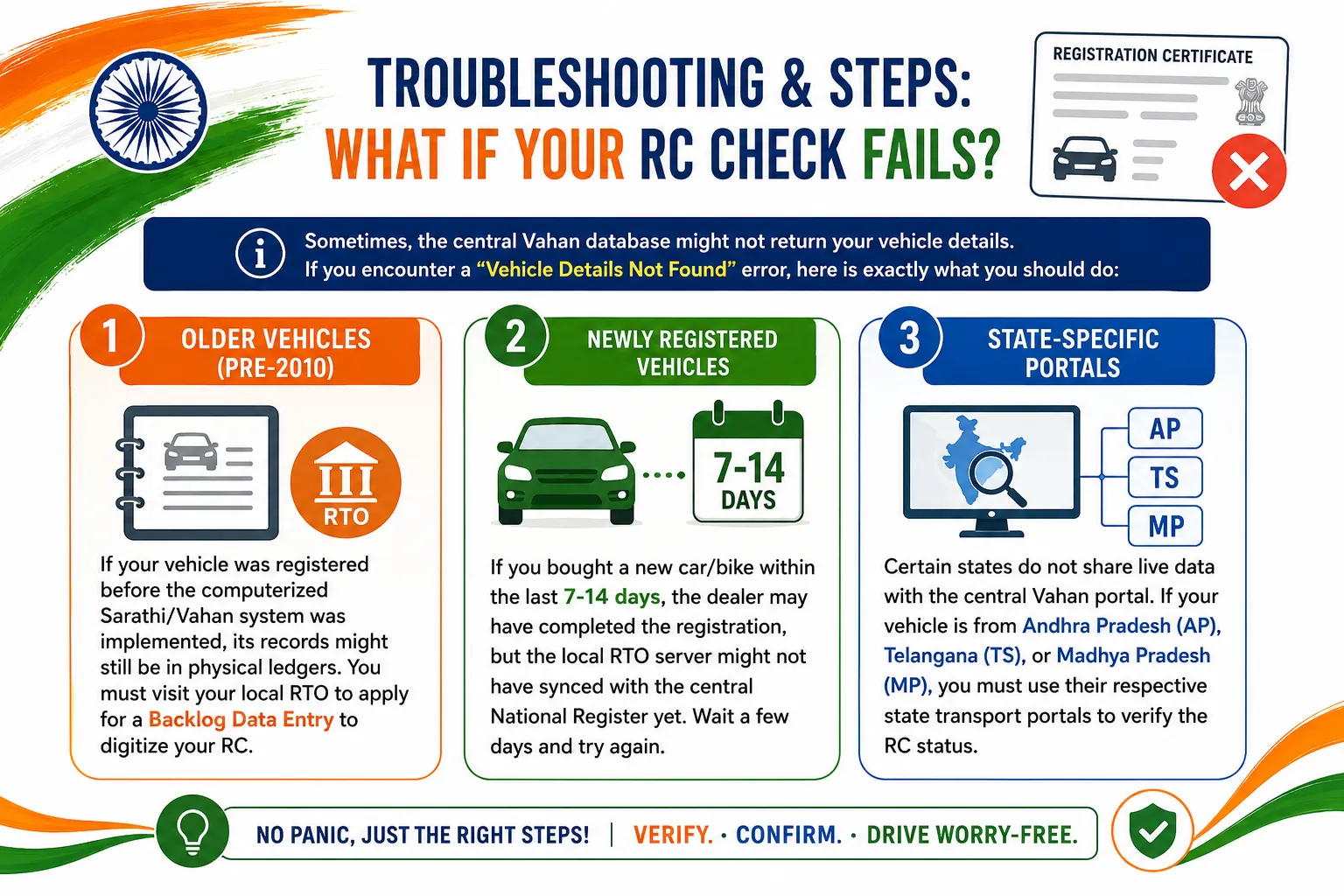
Troubleshooting: What If Your RC Check Fails?
Sometimes, the central Vahan database might not return your vehicle details. If you encounter a "Vehicle Details Not Found" error, here is exactly what you should do:
1. Older Vehicles (Pre-2010)
If your vehicle was registered before the computerized Sarathi/Vahan system was implemented, its records might still be in physical ledgers. You must visit your local RTO to apply for a Backlog Data Entry to digitize your RC.
2. Newly Registered Vehicles
If you bought a new car/bike within the last 7-14 days, the dealer may have completed the registration, but the local RTO server might not have synced with the central National Register yet. Wait a few days and try again.
3. State-Specific Portals
Certain states do not share live data with the central Vahan portal. If your vehicle is from Andhra Pradesh (AP), Telangana (TS), or Madhya Pradesh (MP), you must use their respective state transport portals to verify the RC status.
Visual Walkthrough: How to Check RC Online
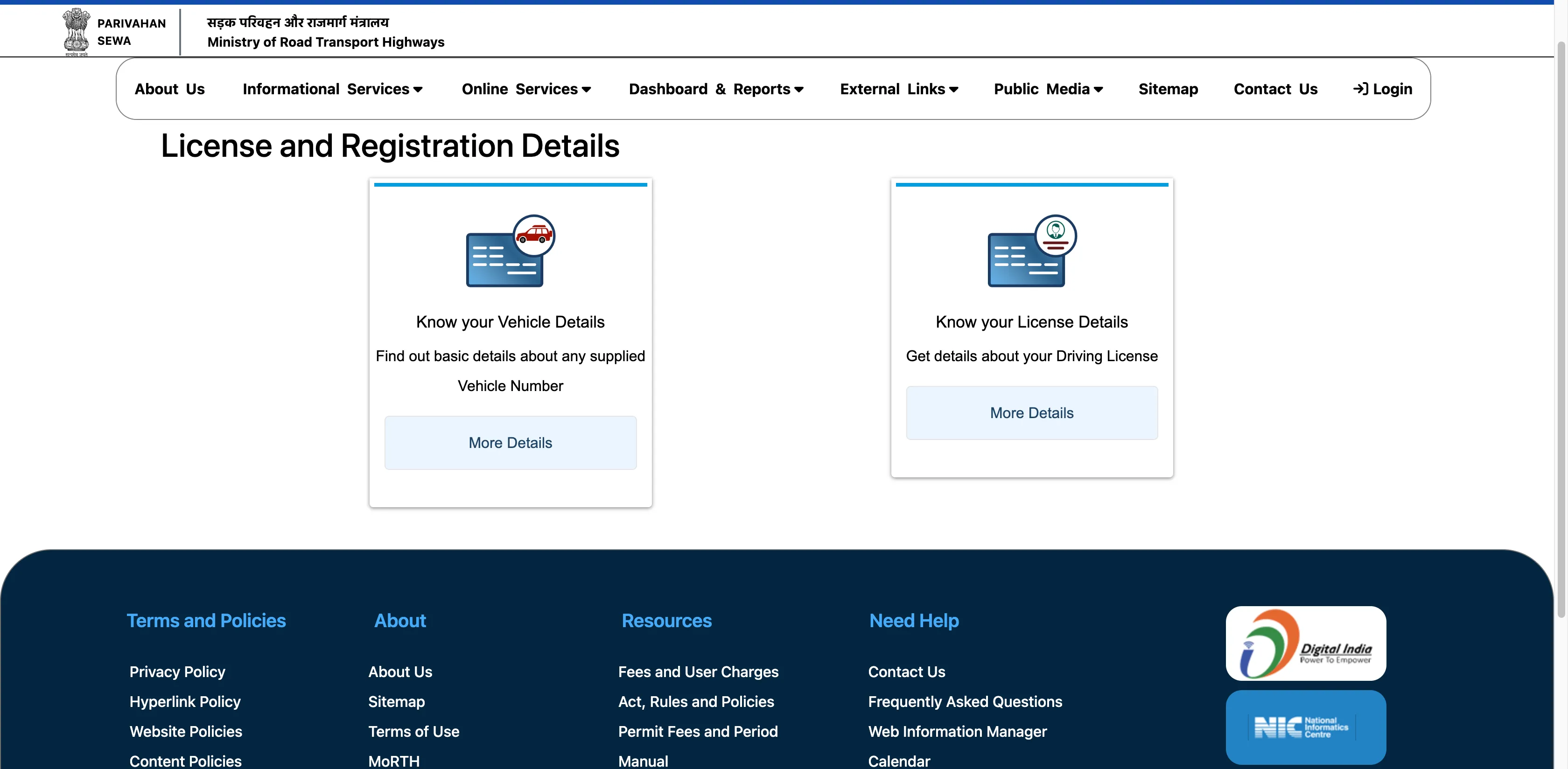
Follow these visual steps to navigate the official Parivahan portal without confusion: