
FASTag FASTag (FASTag not working), FASTag , (FASTag recharge online) ,
If you have recently purchased a new car or a used vehicle without an active tag, getting a new FASTag is mandatory before hitting the national highways.
FASTag Issuing Banks & Official Customer Care Numbers
You can purchase a FASTag directly from certified banks. Below is a useful table of major issuing banks and their toll-free helpline numbers:
| Official Portal | ||
|---|---|---|
| HDFC Bank FASTag | 1800-120-1243 | HDFC Portal |
| SBI FASTag | 1800-11-0018 | SBI Portal |
| ICICI Bank FASTag | 1800-2100-104 | ICICI Portal |
| Axis Bank FASTag | 1800-419-8585 | Axis Portal |
| IDFC First Bank | 1800-266-9970 | IDFC Portal |
| NHAI Helpline | 1033 (For all toll complaints) | - |
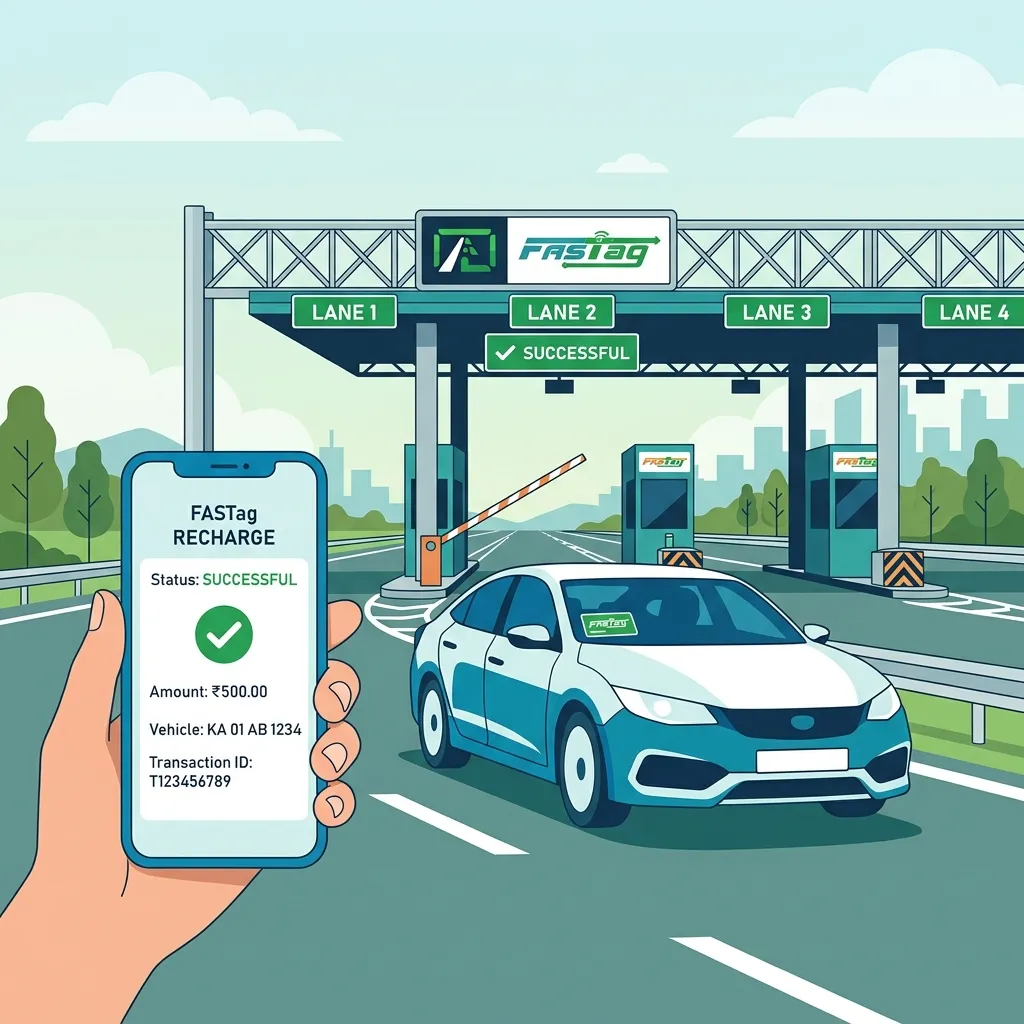
Recharging your FASTag is extremely simple. You do not need to visit a bank branch.
- Via UPI (Google Pay, PhonePe, Paytm): This is the fastest method. Open your UPI app, search for the 'FASTag Recharge' biller, select your issuing bank, and enter your Vehicle Registration Number (VRN).
- Via Issuing Bank Portal: Log in to the specific FASTag portal of your issuing bank using your Wallet ID.
- Via My FASTag App: The official NHAI app allows you to link your bank account directly.
Pro Tip: Maintain a minimum balance of ₹150-₹200 to avoid being blacklisted.
Millions of drivers face issues where the boom barrier does not open despite having a FASTag. Here are the most common reasons and their immediate fixes:
| Blacklisted Tag (Low Balance / ) |
Do an instant FASTag recharge online via UPI. It takes 10-15 mins for the plaza to update. ( UPI ) |
| Damaged/Scratched Tag ( ) |
Request a replacement from your issuing bank (Fee: ₹100). The old balance transfers automatically. ( ) |
| Scanner Fault at Toll ( ) |
If your tag is valid but their scanner fails, NHAI rules say you pass for free. (Zero Toll). ( , ) |
If you enter a dedicated FASTag lane without a valid, active FASTag, or if your tag is blacklisted, you are legally required to pay double the standard toll fee in cash. ( )