
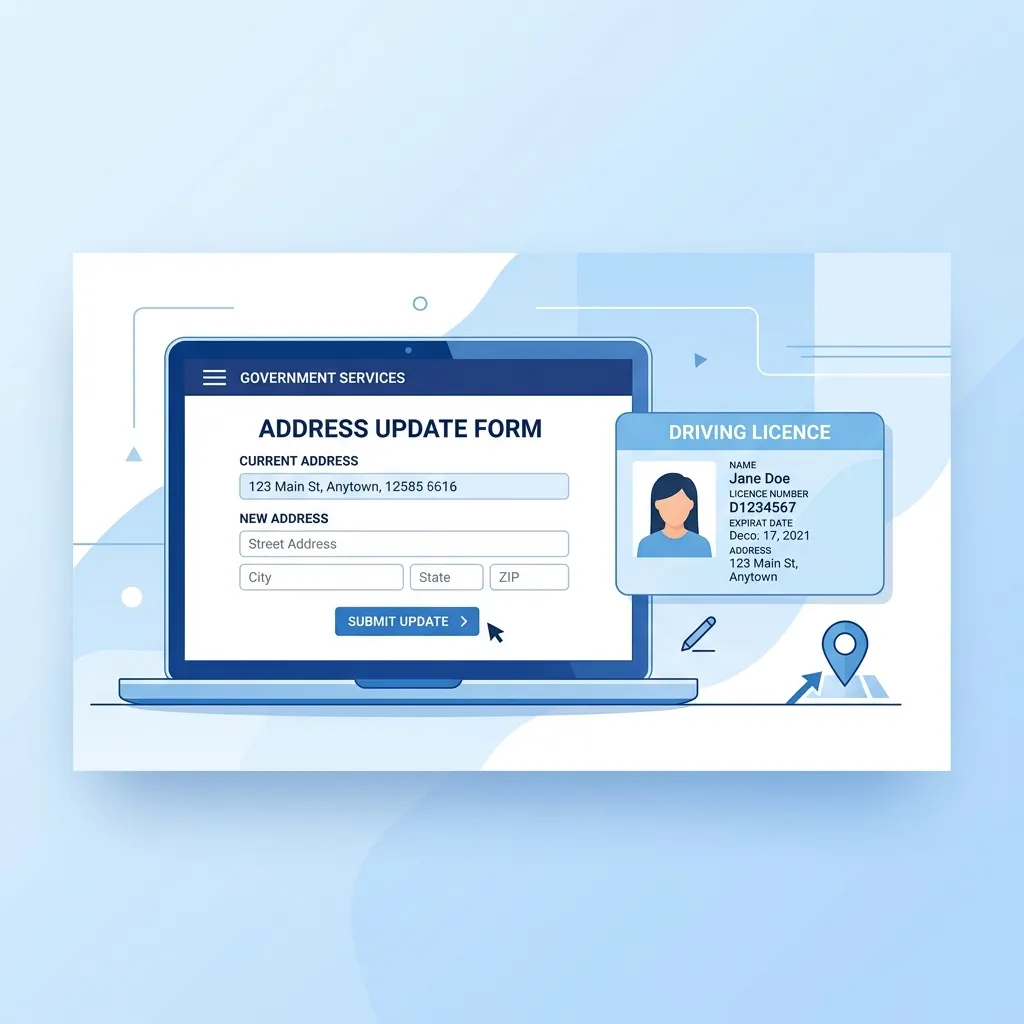
Why is a Driving Licence Address Update Mandatory?
Your Driving Licence is not just a permit to drive; it serves as one of the most vital government-issued identification and address proofs in India. If you have permanently relocated to a new city or state, you must update your DL address for several crucial reasons:
- Traffic Challans: Any eChallan notices or traffic violation communications will be sent to the registered address. Failing to receive them could lead to court summons.
- DL Renewal Notices: RTOs dispatch important reminders, such as DL renewal alerts, to the address on file.
- Legal Compliance: Section 49 of the Motor Vehicles Act, 1988 mandates that a change of residence must be reported to the RTO within 30 days.
Valid Documents Required for Address Change
Before initiating the process on the Sarathi portal, ensure you have scanned copies (JPEG/PDF format, usually under 500KB) of the following accepted address proof documents:
- Aadhaar Card (Highly recommended for instant e-KYC and contactless processing)
- Valid Passport
- Voter ID Card (Election Card)
- Recent Utility Bills (Electricity, Water, or Postpaid Mobile bill - not older than 3 months)
- LIC Policy Statement
Note: You will also need your current Driving Licence number and a scanned copy of the DL.
Step-by-Step Online Process to Change Address in Driving Licence Online (2026 Guide)
Follow this exact, step-by-step official process to successfully submit your address change application without visiting the RTO:
- Visit the Official Sarathi Portal: Go to the Ministry of Road Transport and Highways official website: sarathi.parivahan.gov.in.
- Select Your State: Choose your current state of residence from the drop-down menu to access the state-specific dashboard.
- Choose the Right Service: Click on the option labeled "Apply for Change of Address" or "Services on DL (Renewal/Duplicate/Aedl/Others)".
- Enter DL Details: Carefully input your existing Driving Licence Number and Date of Birth. Click 'Get DL Details' to fetch your driving records.
- Confirm Details & Proceed: Verify that the displayed details belong to you. Select your state and the respective RTO, then click 'Proceed'.
- Select 'Change of Address': You will see a list of available services. Check the box specifically for "Change of Address in DL".
- Fill in the New Address: Enter your new permanent and present address. Crucial: Ensure the address you type matches your uploaded address proof exactly, letter for letter.
- Upload Documents: Navigate to the document upload section. Upload the scanned copies of your new address proof and your existing DL. (If your Aadhaar is linked and you opt for e-KYC, this step might be skipped in some states).
- Fee Payment: Proceed to the payment gateway. Pay the required fee for the address change service and the issuance of the new smart card.
- Print Acknowledgment: Save and print the final acknowledgment receipt. This contains your Application Reference Number which is vital for tracking.
Watch the Video Tutorial
Fee Structure & Processing Time
While the exact fee varies slightly across different states, the standard fee structure for a Driving Licence address update is approximately:
- Address Change Service Fee: ₹200
- New Smart Card Fee: ₹200
- Postal Charges: ₹50
- Total Expected Fee: ₹450 - ₹500
Processing Time: Once the application is submitted and fees are paid, the RTO verification typically takes 7 to 14 working days. If you used Aadhaar authentication, the process is generally faster. You can track your application status online using your application number. Once approved, the new DL is printed and dispatched via India Post Speed Post, taking another 3-5 days to reach your doorstep.
Frequently Asked Questions (FAQs)
1. Do I need to visit the RTO for a DL address change?
If your state supports Aadhaar-based e-KYC (contactless service) and your mobile number is linked to your Aadhaar, you do not need to visit the RTO. The entire process, including document verification, is done online. If Aadhaar authentication is not used, a physical visit for biometric capture may be required.
2. What happens to my old Driving Licence?
Your old Driving Licence remains valid until the new one is issued. In some states, if you visit the RTO, they might collect or punch a hole in the old card. If processed entirely online, simply destroy the old card once you receive the new smart card DL at your updated address.
3. Can I change my address to another state?
Yes, if you move to a different state, you can update your address. This process also involves transferring your DL details from the original issuing RTO to your new RTO, often referred to as a Change of Address with State Transfer. You will need address proof of the new state.